The website launch checklist
Five places a new website quietly breaks, and how to check each one. A free two-page checklist for small businesses: your contact form, the phone view, the link preview, Google, and who owns your domain.
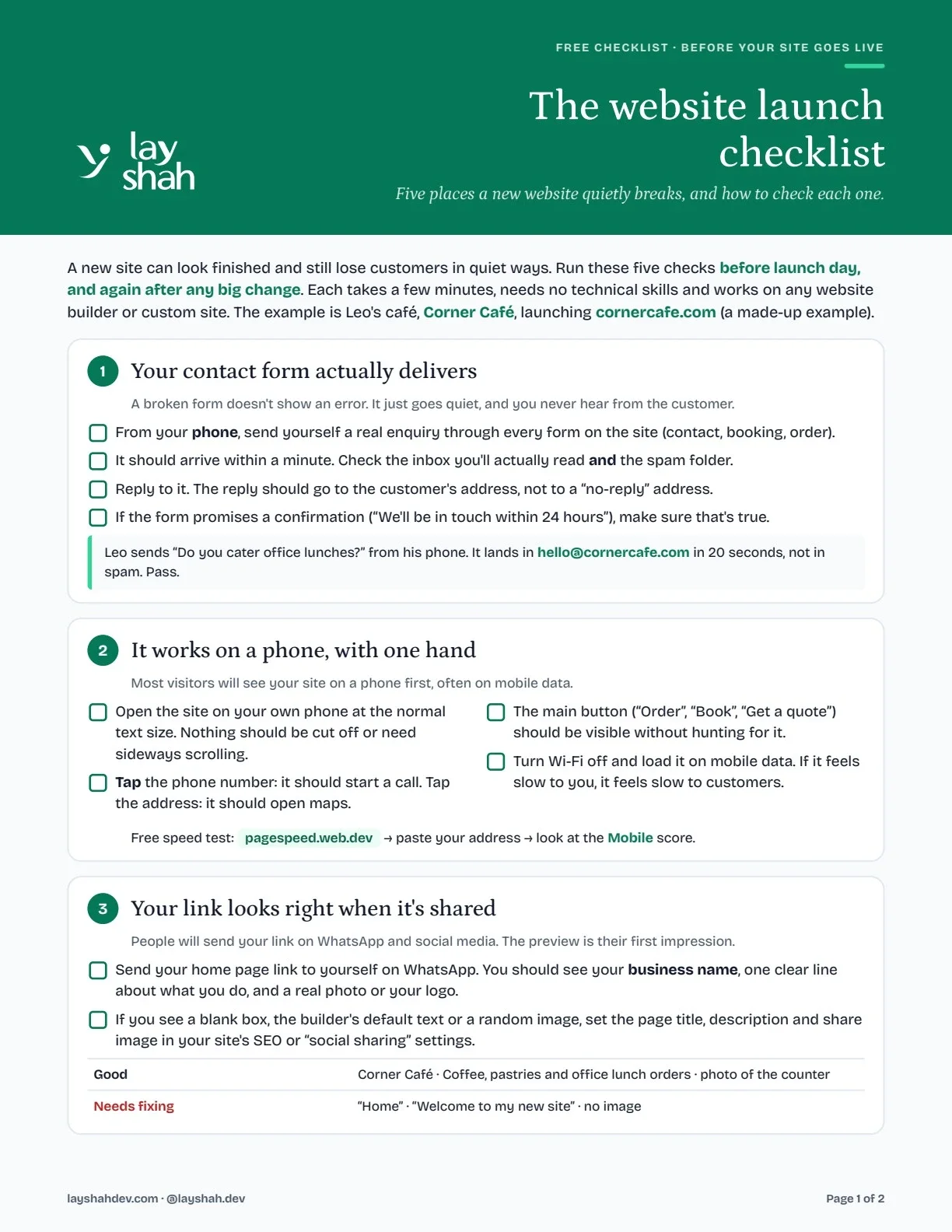
- Format
- Two-page PDF · 81 KB
- Price
- Free, no sign-up
- For
- Shops, cafés, local services
- Last checked
- 22 Nov 2026
Before your site goes live
A new site can look finished and still lose customers in quiet ways. Run these five checks before launch day, and again after any big change. Each takes a few minutes, needs no technical skills and works on any website builder or custom site. The example is Leo’s café, Corner Café, launching cornercafe.com (a made-up example).
1. Your contact form actually delivers
A broken form doesn’t show an error. It just goes quiet, and you never hear from the customer.
- From your phone, send yourself a real enquiry through every form on the site (contact, booking, order).
- It should arrive within a minute. Check the inbox you’ll actually read and the spam folder.
- Reply to it. The reply should go to the customer’s address, not to a “no-reply” address.
- If the form promises a confirmation (“We’ll be in touch within 24 hours”), make sure that’s true.
Example: Leo sends “Do you cater office lunches?” from his phone. It lands in hello@cornercafe.com in 20 seconds, not in spam. Pass.
2. It works on a phone, with one hand
Most visitors will see your site on a phone first, often on mobile data.
- Open the site on your own phone at the normal text size. Nothing should be cut off or need sideways scrolling.
- Tap the phone number: it should start a call. Tap the address: it should open maps.
- The main button (“Order”, “Book”, “Get a quote”) should be visible without hunting for it.
- Turn Wi-Fi off and load it on mobile data. If it feels slow to you, it feels slow to customers.
Free speed test: pagespeed.web.dev → paste your address → look at the Mobile score.
3. Your link looks right when it’s shared
People will send your link on WhatsApp and social media. The preview is their first impression.
- Send your home page link to yourself on WhatsApp. You should see your business name, one clear line about what you do, and a real photo or your logo.
- If you see a blank box, the builder’s default text or a random image, set the page title, description and share image in your site’s SEO or “social sharing” settings.
Good: Corner Café · Coffee, pastries and office lunch orders · photo of the counter. Needs fixing: “Home” · “Welcome to my new site” · no image.
4. Google can find you
A new site is invisible to Google until something points to it. Your Business Profile is usually the fastest route.
- Add the new address to your Google Business Profile, in its Website field. Search for your business on Google, open your profile and edit it from there.
- Tell Google the site exists. In Google Search Console (search.google.com/search-console), add your site as a property, then use URL inspection on your home page and choose Request indexing.
- A week later, search for your business name plus your town. Your site should appear on the first page.
5. The domain and accounts are in your name
The cheapest line on the bill matters most. Whoever owns the domain account controls your address.
- The domain is registered to your name and your email, not to your designer’s or developer’s account. You can log in to it yourself.
- You know the renewal date, auto-renew is on, and the payment card on file won’t expire before then.
- Hosting and business email logins are in your name too. Keep them with your other important passwords. A shared spreadsheet is not the place for them.
Leo’s notes: cornercafe.com · registered to Leo · renews every November · auto-renew on · card valid to 2028.
The five-minute version
- Form: send yourself an enquiry from your phone. It arrives in a minute, not in spam.
- Phone: readable at normal size, the number is tappable, the main button is easy to find.
- Share preview: your name, one clear line and a real image when you send the link on WhatsApp.
- Google: website added to your Business Profile, and indexing requested in Search Console.
- Ownership: domain, hosting and email in your name, with auto-renew on.
Menu names checked 22 Nov 2026. Builders and Google change their menus; if a name has moved, look for the same words in the settings or help pages.