The AI order checklist
Let AI start the work. Keep the yes with a person. A one-page checklist for small shops that want AI to draft orders and replies without losing an allergy, promising the wrong day, or giving away a customer's details.
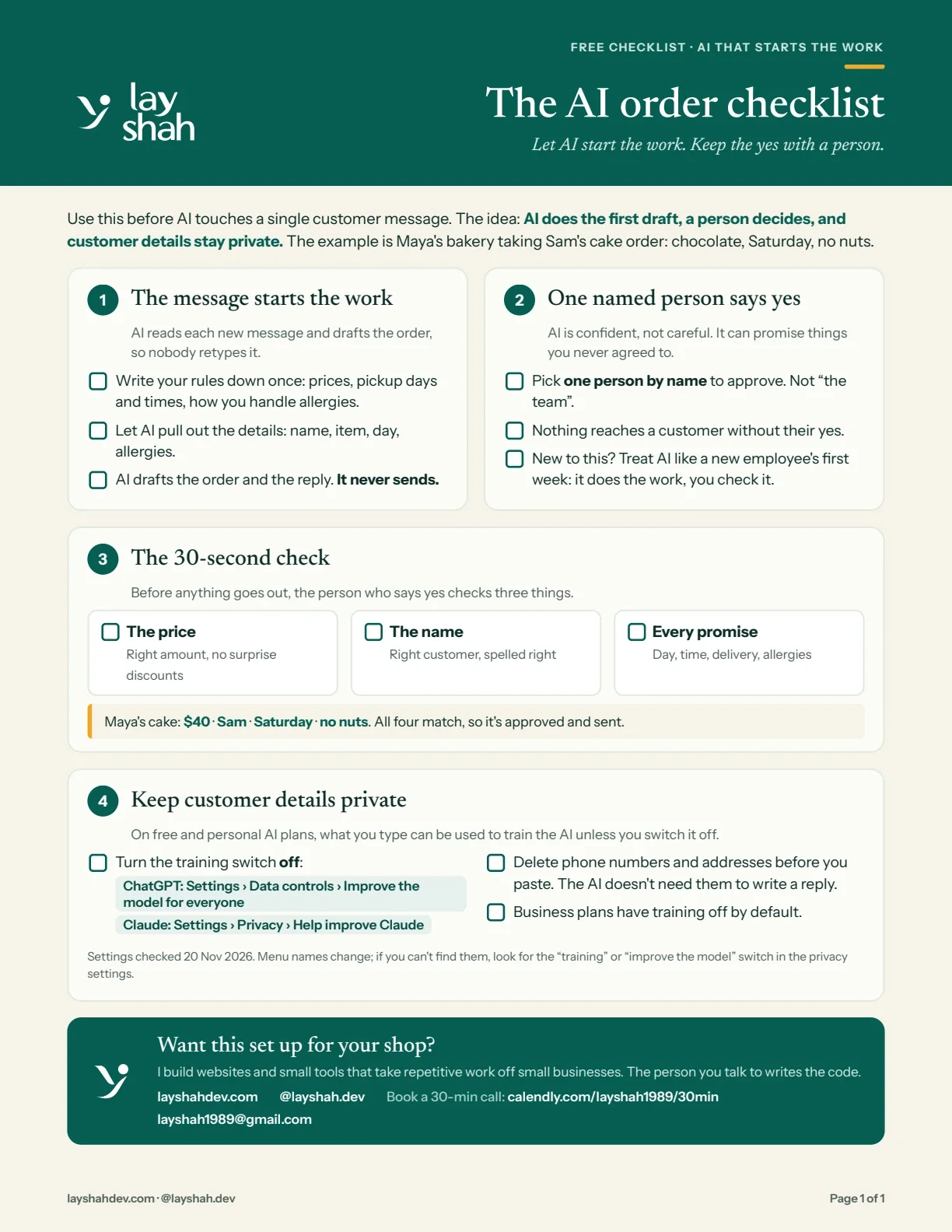
- Format
- One-page PDF · 42 KB
- Price
- Free, no sign-up
- For
- Shops, cafés, local services
- Last checked
- 22 Nov 2026
The idea in one line
AI does the first draft, one person decides, and customer details stay private. The example: Sam messages Maya’s bakery late at night for a chocolate cake, Saturday pickup, no nuts because her son is allergic. By morning the order is drafted with the allergy in red, and nothing has been sent.
1. The message starts the work
AI reads each new message and drafts the order, so nobody retypes it. Every copy-paste is a chance to lose the one line that matters.
- Write your rules down once: prices, pickup days and times, how you handle allergies.
- Let AI pull out the details: name, item, day, allergies.
- AI drafts the order and the reply. It never sends.
2. One named person says yes
AI is confident, not careful. It can promise a Sunday delivery when you’re closed, or a discount you never agreed to.
- Pick one person by name to approve. Not “the team”.
- Nothing reaches a customer without their yes.
- New to this? Treat AI like a new employee’s first week: it does the work, you check it.
3. The 30-second check
Before anything goes out, the person who says yes checks three things:
- The price: the right amount, no surprise discounts.
- The name: the right customer, spelled right.
- Every promise: day, time, delivery, allergies.
Maya’s cake: $40 (illustrative), Sam, Saturday, no nuts. All four match, so it’s approved and sent.
4. Keep customer details private
On free and personal AI plans, what you type can be used to train the AI unless you switch it off.
- ChatGPT: Settings › Data controls › Improve the model for everyone. Turn it off.
- Claude: Settings › Privacy › Help improve Claude. Turn it off.
- Delete phone numbers and addresses before you paste. The AI doesn’t need them to write a reply.
- Business plans have training off by default.
Settings checked 22 Nov 2026. Menu names change; if you can’t find them, look for the “training” or “improve the model” switch in the privacy settings.