Excalidraw
A free, open-source whiteboard for quick hand-drawn diagrams, site maps and rough wireframes. Opens in the browser with no account.
- Category
- Design & Wireframing
- Evaluated by
- Lay Shah
Curated external tool · Open source (MIT) · Reviewed November 2026
Excalidraw is a whiteboard that runs in the browser. Everything you draw looks hand-sketched, which makes it clear that an idea is still rough. You can open excalidraw.com and start drawing straight away, without an account.
Official links: Visit Excalidraw · GitHub repository.
What it does
- Shapes, arrows and text with a sketchy, hand-drawn look.
- Shared libraries of ready-made parts, such as browser frames, form fields and cloud service icons.
- Live collaboration through a share link, with the drawing encrypted in the browser.
- Export to PNG or SVG, or save the drawing as a file you can open again later.
- An npm package,
@excalidraw/excalidraw, for embedding the whiteboard in your own React app.
Where it fits
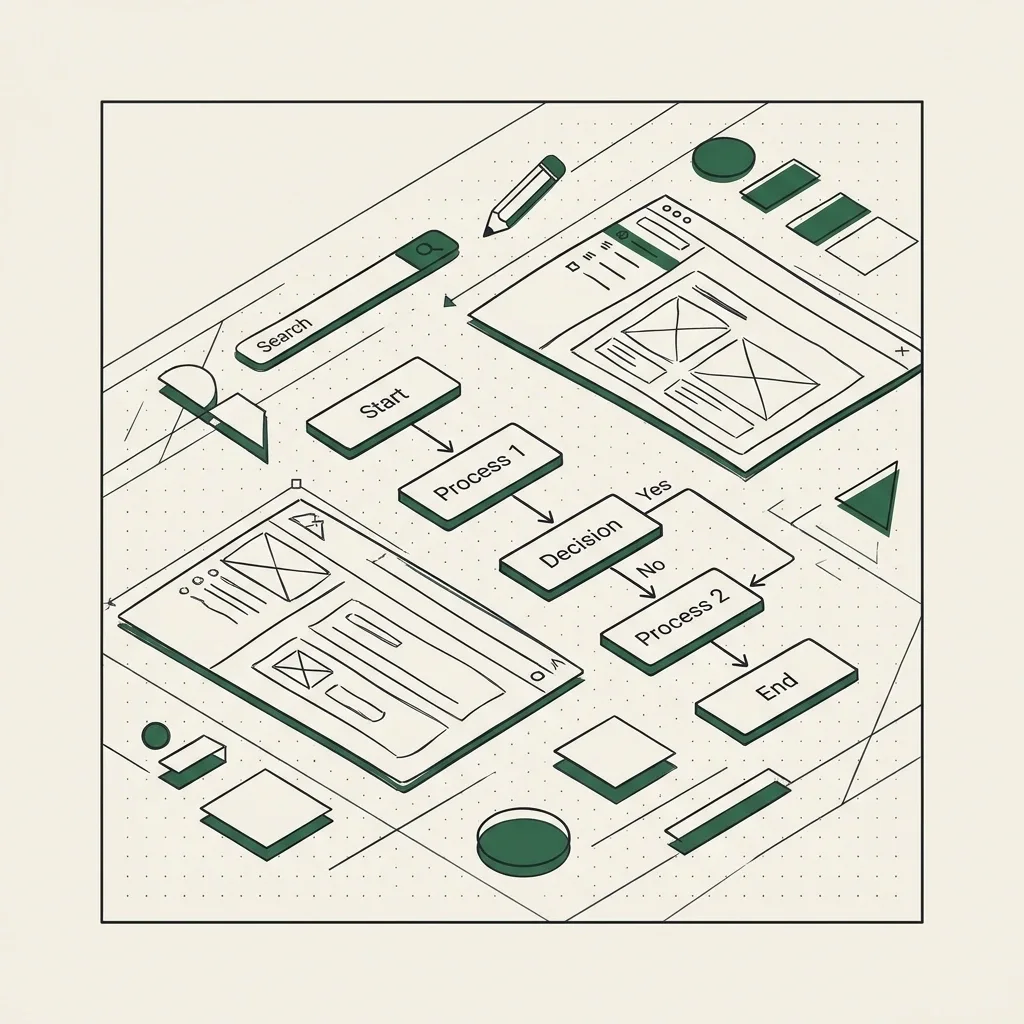
I use it at the start of a website project, before any design work. It is quick for mapping out which pages a site needs and how they link, sketching the order of sections on a page, and drawing a system diagram during a client call. Because it looks rough, people comment on the idea instead of the fonts and colours.
Things to know before you choose it
- It is not a design tool. There are no precise layouts, components or design tokens. Use Figma or Penpot for finished designs.
- There is no click-through prototyping.
- Self-hosting the editor is simple with Docker, but live collaboration on your own server also needs the separate collaboration server.
- Excalidraw+ is a paid version for teams that adds shared workspaces and cloud storage. The free editor is enough for most solo work.